
Webinars (Webinar Funnel Creator)
When Webinar Follow-Up Depends on Memory, Leads Disappear
Create structured webinar funnels with registration pages, automated reminders, attendance tracking, and follow-up workflows that connect directly to your CRM, pipelines, and messaging so every registrant moves through a defined process.
The Webinar Was Good.
The Follow-Up Fell Apart.
Most webinars fail after the presentation. Not during it.
Someone registers
They attend
They ask questions
They even click the offer
Then nothing happens

The host closes the presentation thinking the webinar went well. A few days later someone asks: “Did anyone follow up with the attendees?” Now the team starts digging through lists, replay data, and email reports trying to figure out what actually happened. The presentation worked. The system around it didn’t.

Where This Shows Up in Business
If you’ve run webinars before, you’ve probably seen some version of this.
A marketing team tracks registrations in one platform while the CRM lives somewhere else.
Reminder emails get sent manually or not at all.
Sales receives a list of registrants without context.
Attendees and no-shows end up mixed together.
High-intent prospects slip through because no follow-up was triggered.
Sometimes the owner runs the webinar. Sometimes a marketing manager handles it. Either way, the moment the webinar ends, someone still has to manually sort through what happened. And that’s where momentum disappears.
Why Most Webinar Systems Break at the Follow-Through
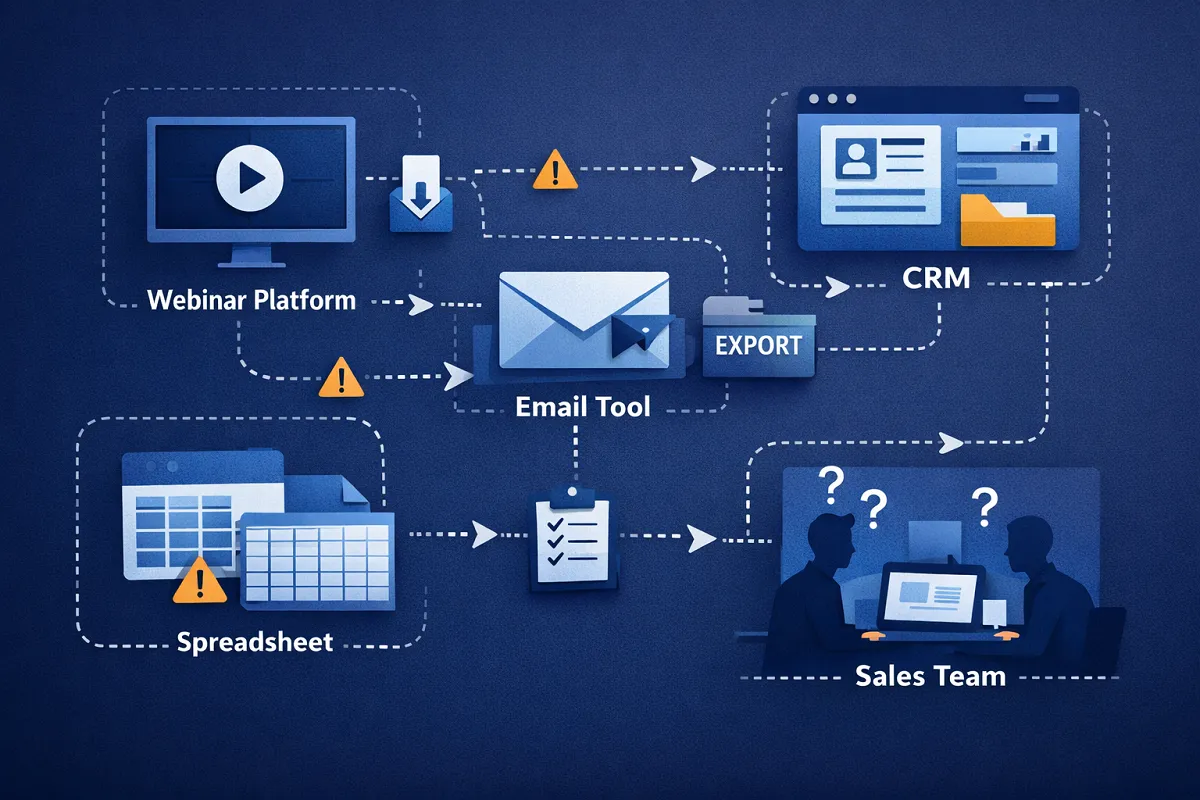
The problem is rarely the webinar software itself. Most platforms handle registration and video delivery just fine. What they don’t handle well is everything around the event.
Businesses end up using:
one platform for registration
another for email reminders
another for CRM tracking
spreadsheets for attendee lists
manual follow-up from the sales team
Each step depends on someone exporting data, sending lists, or remembering who engaged. At low volume this feels manageable. At scale it breaks.
What the Webinar Funnel Creator Actually Is
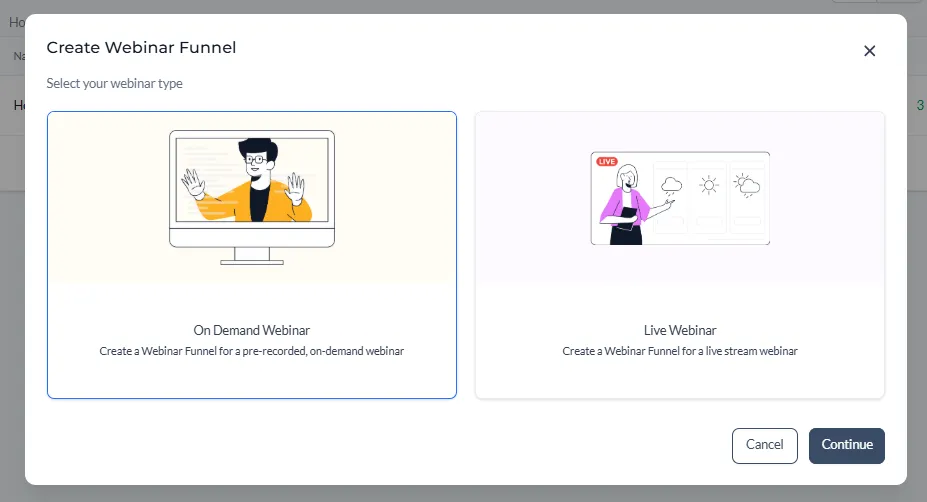
Webinars inside Kyrios are built as structured funnels, not isolated events. A webinar funnel includes the entire process surrounding the presentation and can be live or evergreen.
This typically includes:
registration pages
confirmation steps
reminder sequences
live or automated delivery
replay pages
post-webinar follow-up
Each action inside the funnel connects directly to the Kyrios system. When someone registers, the system creates or updates a contact record. Their activity becomes visible to your team. And every step can trigger the next one automatically.
Real-World Webinar Scenarios
Businesses use webinars in many different ways.
A Coach
runs a weekly workshop to introduce a new program.
A Consulting Agency hosts monthly strategy sessions for prospects.
A Software Company delivers product demos for qualified leads.
A Course Creator
runs evergreen webinars that generate leads continuously.
In each case, the goal isn’t just attendance. The goal is moving interested people toward a conversation or a purchase.
That only works when the system carries the follow-up.
How Webinar Funnels Work Inside Kyrios
A webinar funnel connects several pieces of the Kyrios platform together.
Registration
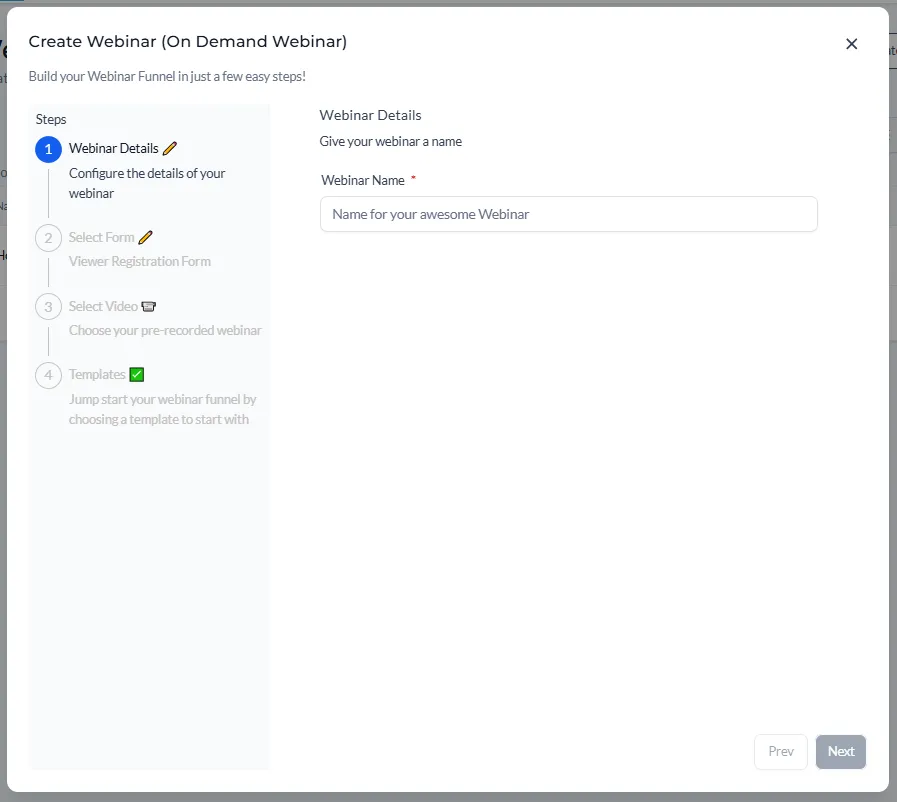
Visitors register through a webinar page or funnel step.
When they submit the form:
a contact record is created or updated
tags can be applied automatically
workflows can begin immediately
Confirmation and Reminders
Automated reminders can be scheduled before the webinar.
These can include email or SMS messages based on timing rules.
Each interaction is logged in the contact record.
Attendance Tracking
After the webinar, contacts can be segmented based on behavior.
For example:
attended live
registered but missed
clicked an offer
watched the replay
Post-Webinar Follow-Up
Different actions can trigger different responses.
Attendees may receive offer follow-ups.
No-shows can receive replay messages.
Highly engaged contacts can trigger task assignments for sales teams.
Everything updates automatically inside the CRM timeline.
How Webinar Funnels Connect in Kyrios
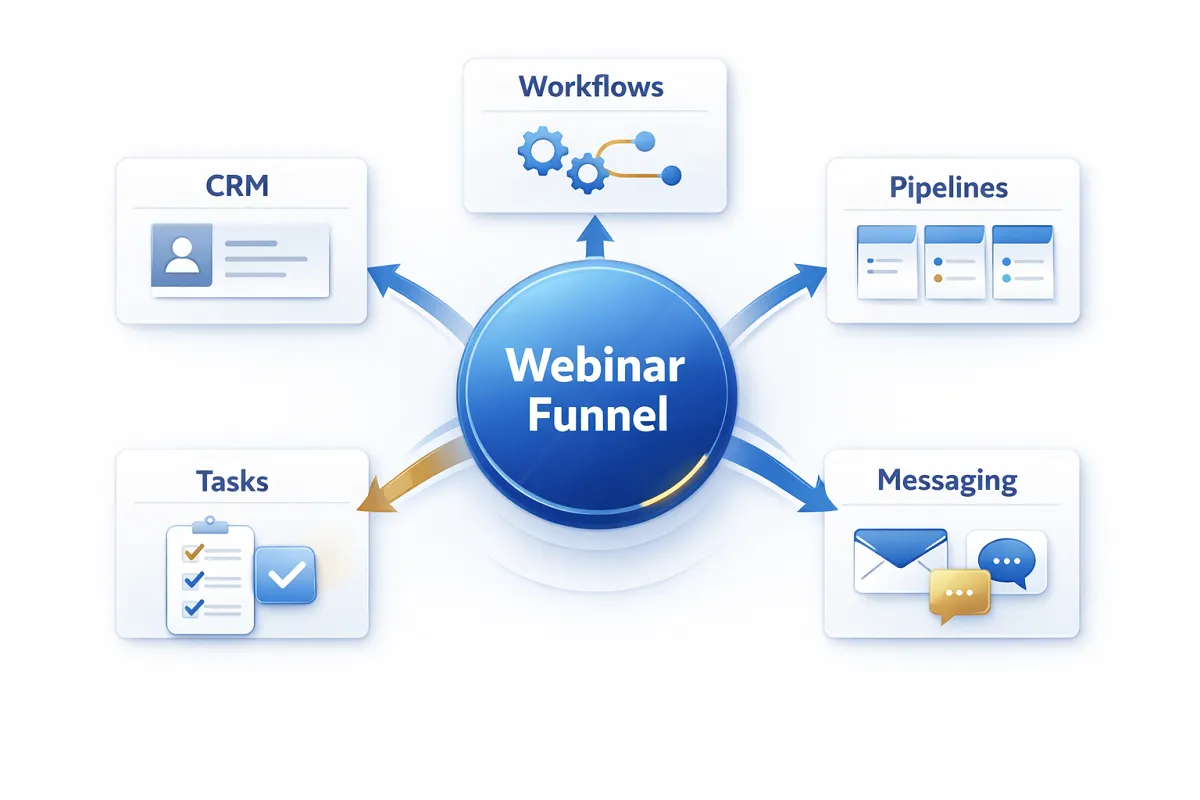
Webinars do not operate separately from the rest of your business inside Kyrios.
They connect directly to:
CRM
Every registration and interaction updates the contact record.
Workflows
Automations can trigger based on registration, attendance, clicks, or engagement.
Pipelines
Opportunities can be created or moved forward based on webinar activity.
Tasks
Sales team follow-ups can be assigned automatically.
Messaging
Confirmation, reminder, and follow-up messages can be delivered through the Kyrios communication system.
Instead of exporting data between platforms, the system tracks everything in one place.
What Changes Once Webinar Follow-Up Is Structured
Once the webinar process is connected to your system, a few things start to change:
You stop wondering who registered.
Your team stops guessing who attended.
Sales calls start with context instead of questions.
Follow-up happens immediately instead of days later.
Reporting begins to show which webinars actually generate revenue.
The presentation itself doesn’t change. The difference is that the system carries the process before and after it.
Webinars Become a Predictable Lead Channel
Many businesses treat webinars like one-off events.
Run one.
Send a few emails.
Hope something converts.
Inside Kyrios, webinars become part of a repeatable process:
Registration flows into the CRM.
Engagement becomes data.
Follow-up runs automatically.
And every webinar becomes something you can measure, refine, and scale. Not just something you hosted once.
Get Started
Create webinar funnels that track registrations, automate reminders, and carry follow-up so every event connects directly to your CRM, pipelines, and workflows.
(205) 736-8422
1236 Blue Ridge Blvd,
Hoover, AL 35226




Copyright Kyrios Systems 2026 - All Rights Reserved | Privacy Policy | Terms and Conditions

1236 Blue Ridge Blvd, Hoover, AL 35226
Download the Kyrios app now
(205) 736-8422
1236 Blue Ridge Blvd,
Hoover, AL 35226

Company


