

Contracts / Documents / eSignatures
Stop Chasing Contracts Across Email and PDFs
Create, send, sign, and store agreements directly inside Kyrios so every contract stays connected to contacts, deals, workflows, and the customer timeline.
When Contracts Are in Too Many Places
Most businesses don’t plan for contract management to become complicated.
It usually starts with something simple:
You create a proposal
Attach it to an email
Send it to the client
Then the client replies with edits
A new version gets created. Another attachment gets sent. Someone downloads it, renames it, and uploads it again. Now there are multiple versions of the same agreement floating around.

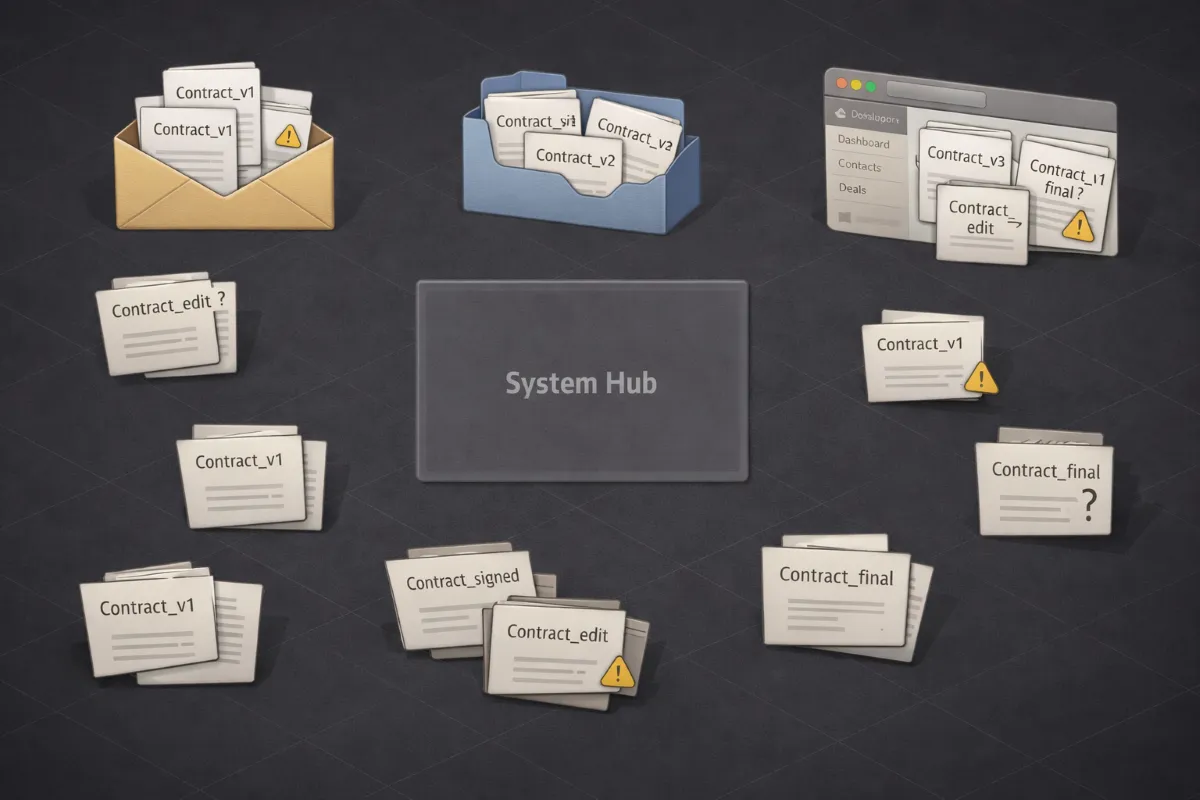
As the business grows, that small friction turns into a stream of questions:
You check the inbox
Then the shared drive
Then the deal record
Eventually you find the file
But the process repeats every time a contract is sent.
Did they sign yet?
Which version is the final one?
Where was the document saved?
Who is following up on this?
The agreements exist. But they aren’t inside the system that manages the deal.
Where This Shows Up Across Your Business
Contracts appear in more places than most businesses expect.
You might use agreements for:
Service contracts before work begins
Project proposals for new clients
Onboarding agreements or waivers
Non-disclosure agreements
Partnership agreements
Recurring service renewals
Internal HR or compliance documents
Each document represents an important step in a relationship. But when those agreements live in email attachments or shared folders, the rest of the business cannot see what is happening.

The deal moves separately from the paperwork. And the paperwork becomes something someone has to remember to check.
Why Contract and Document Handling Breaks
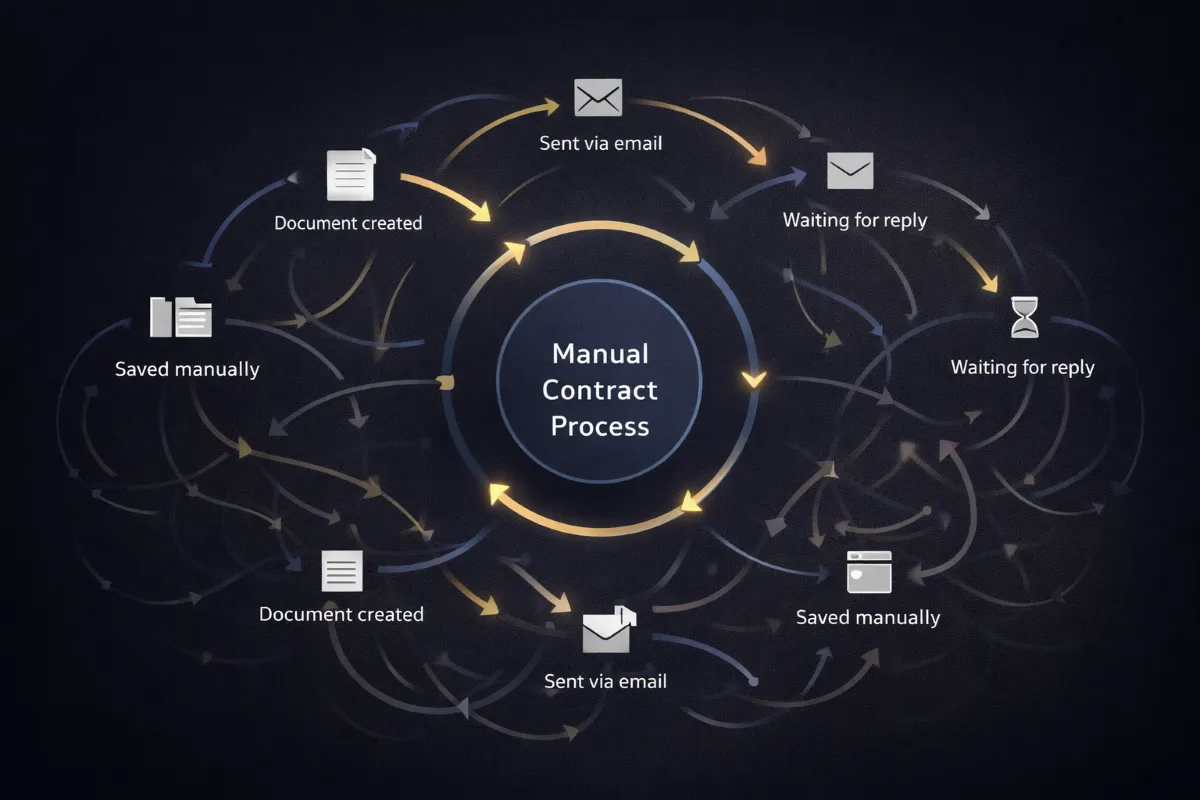
Sending contracts manually works fine when the volume is small.
You send a PDF
You wait for a reply
You save the signed document
That approach works when you handle a few agreements each month. It starts to break down when the business grows.
You may be sending:
20 proposals
50 onboarding agreements
100 renewal contracts
Or multiple team members may be involved
Now problems start happening.
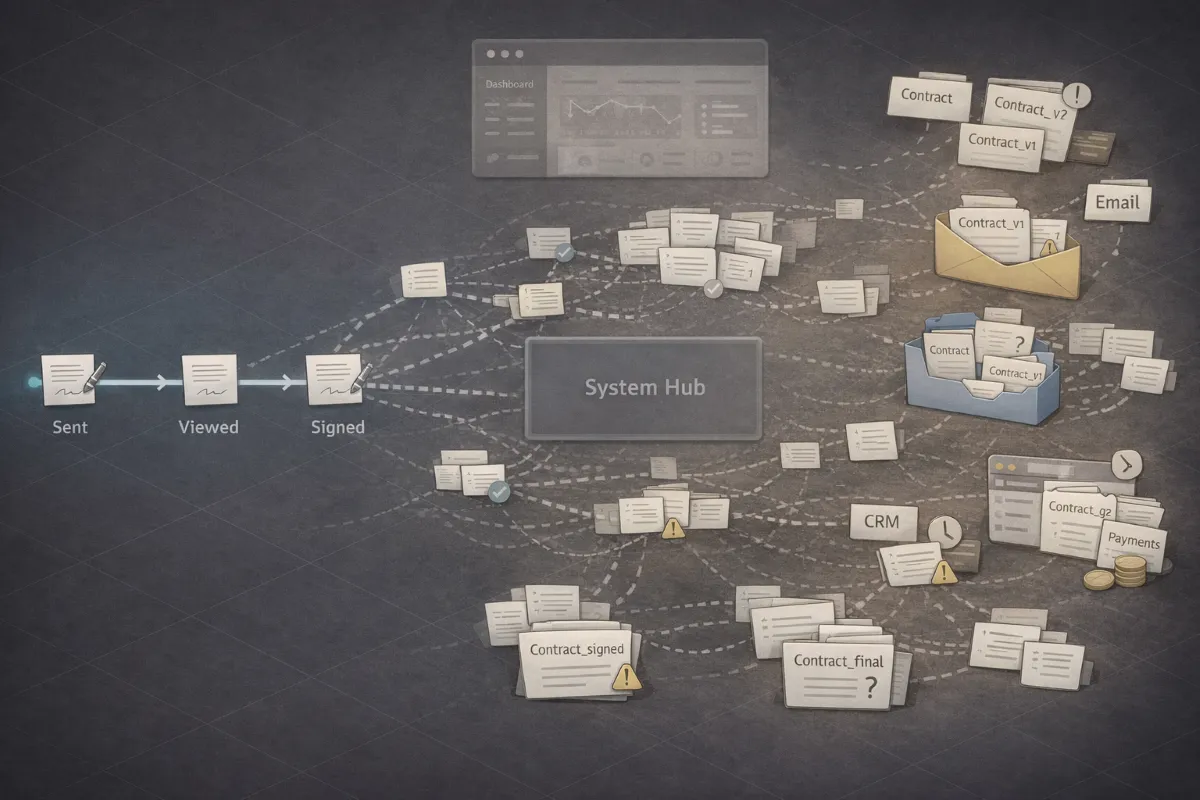
You don’t know whether a document has been opened.
Follow-ups happen late because no one tracked the status.
Signed documents end up buried in inbox threads or shared folders.
Sales cannot see service agreements.
Service teams cannot see payment terms.
Leadership cannot see where deals are stalled without asking someone.
The mental load grows because someone always has to double-check everything.
What Contracts / Documents / eSignatures Is
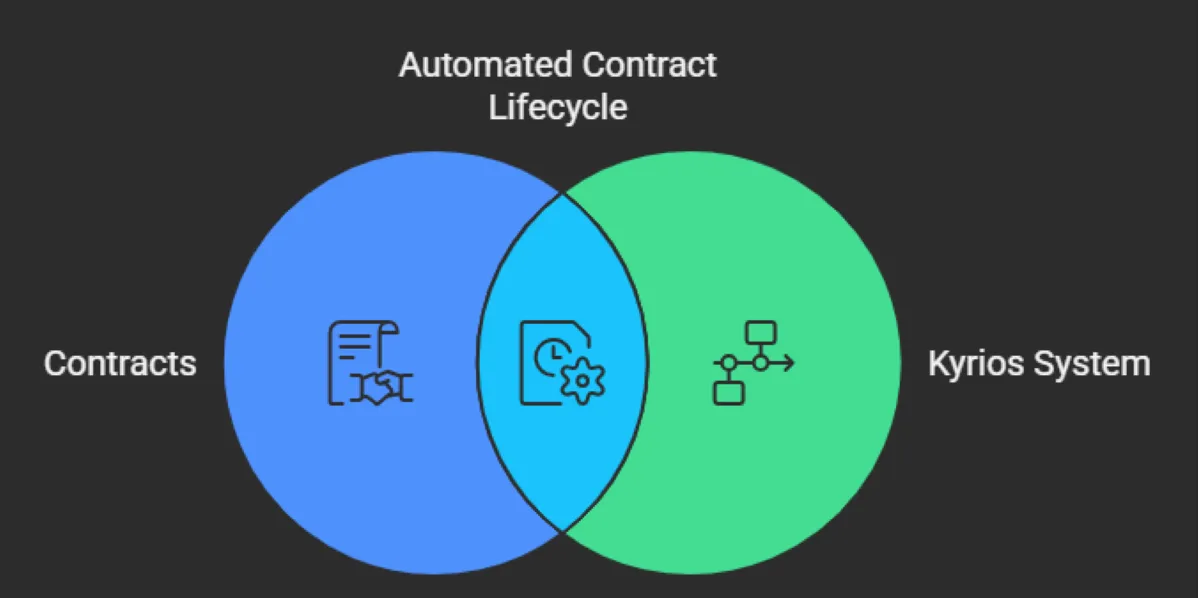
Kyrios provides a built-in system for creating, sending, signing, and storing agreements directly inside your account.
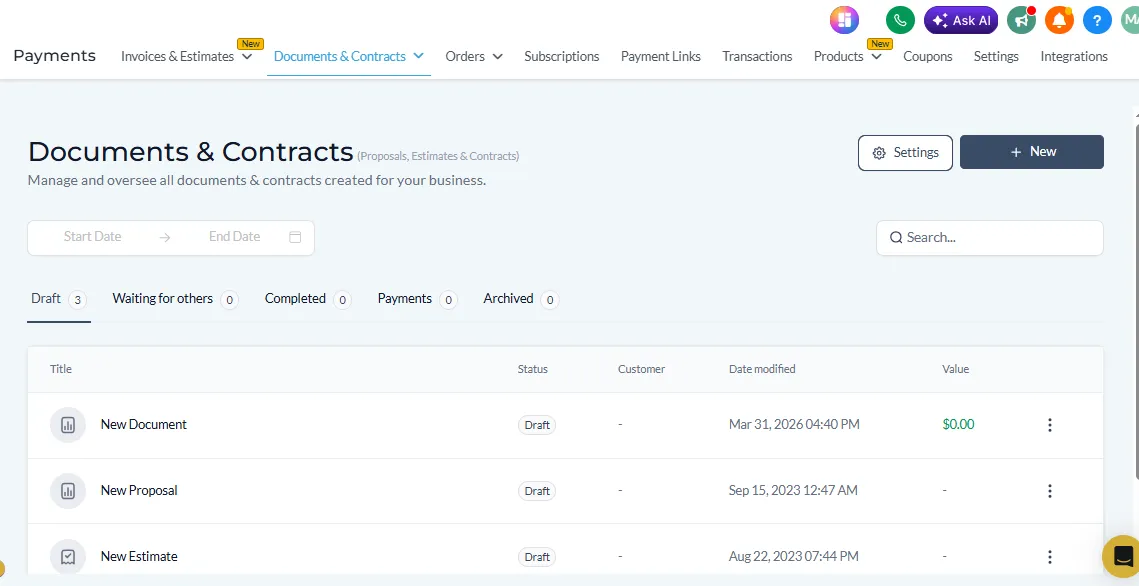
Instead of exporting contracts as PDFs and emailing them manually, documents are generated inside the same system that manages your contacts, pipelines, and workflows.
You can create reusable templates for:
Contracts
Proposals
NDAs
Respond to requests
Onboarding documents
Waivers or compliance forms
These templates can include merge fields that automatically pull information from your CRM.
For example:
Client name
Company name
Service details
Deal value
Onboarding documents
Custom fields
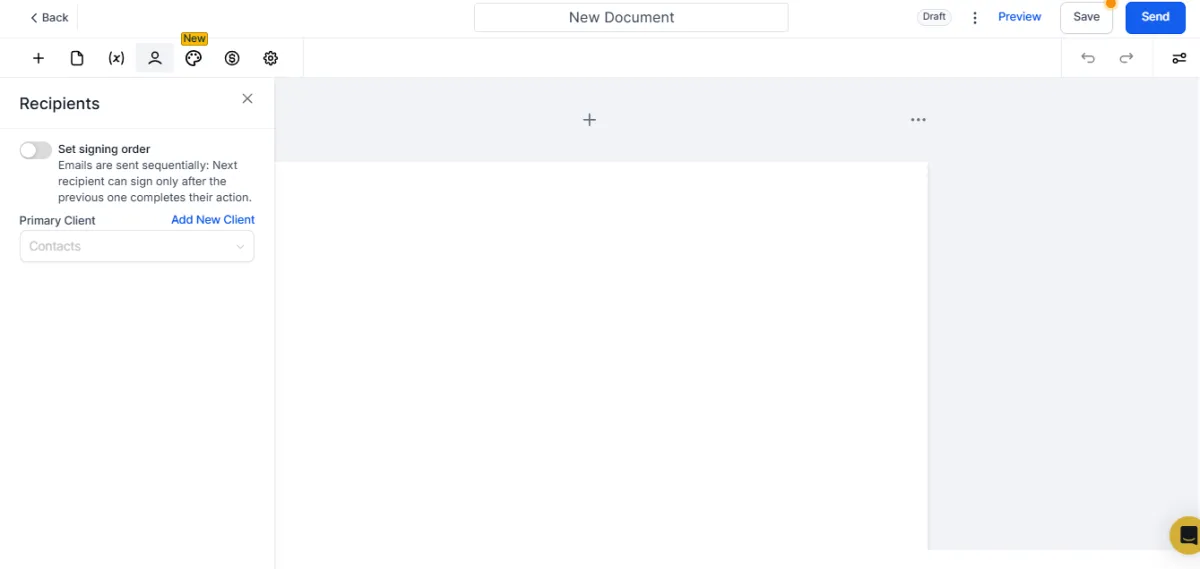
When a document is generated, the system fills in those details automatically. The document is then sent to the recipient through a secure signing link. Clients can review and sign electronically from any device. No printing. No scanning. No manual uploads. Once the document is signed, the final version is stored automatically inside the contact record.
Real Examples of How Businesses Use It
Businesses use the document system in many different situations.
A Consulting Firm sends service agreements when a proposal is approved.
A Marketing Agency sends contracts when a deal moves to the “Proposal Sent” stage.
A Coaching Program sends onboarding agreements to new members.
A Property Management Company collects signed compliance documents from tenants.
A Professional Services Firm manages recurring contract renewals each year.
The goal is to make agreements easy to create, easy to sign, and easy to find later.
How It Works In Kyrios
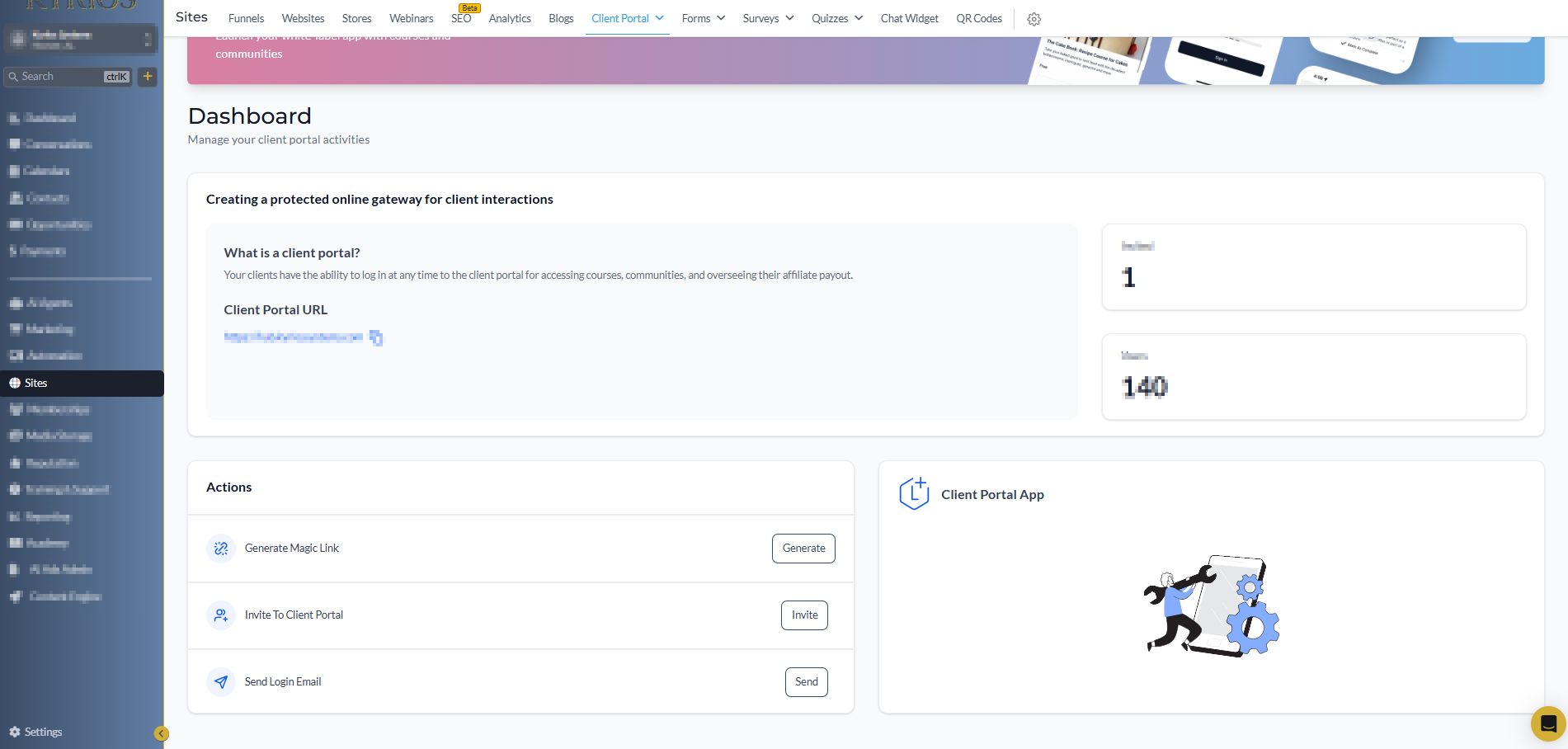
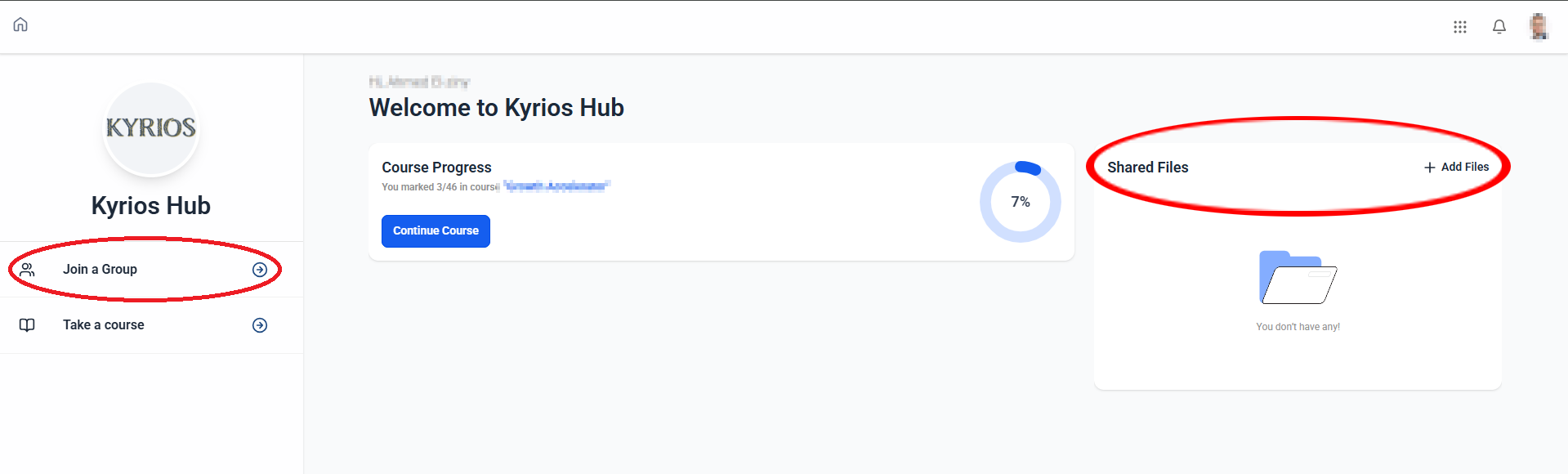
When the client portal is enabled, Kyrios creates a secure login environment for your customers.
Your team controls what information appears inside the portal.
Contracts inside Kyrios follow a simple process.
Contracts inside Kyrios follow a simple process.
Insert merge fields that pull information from CRM records, opportunities, or custom data.
Send the document directly from a contact or opportunity record.
The recipient receives a secure signing link.
They review and sign the document digitally.
Once signed, the document is stored automatically within the contact record and the Contracts dashboard.
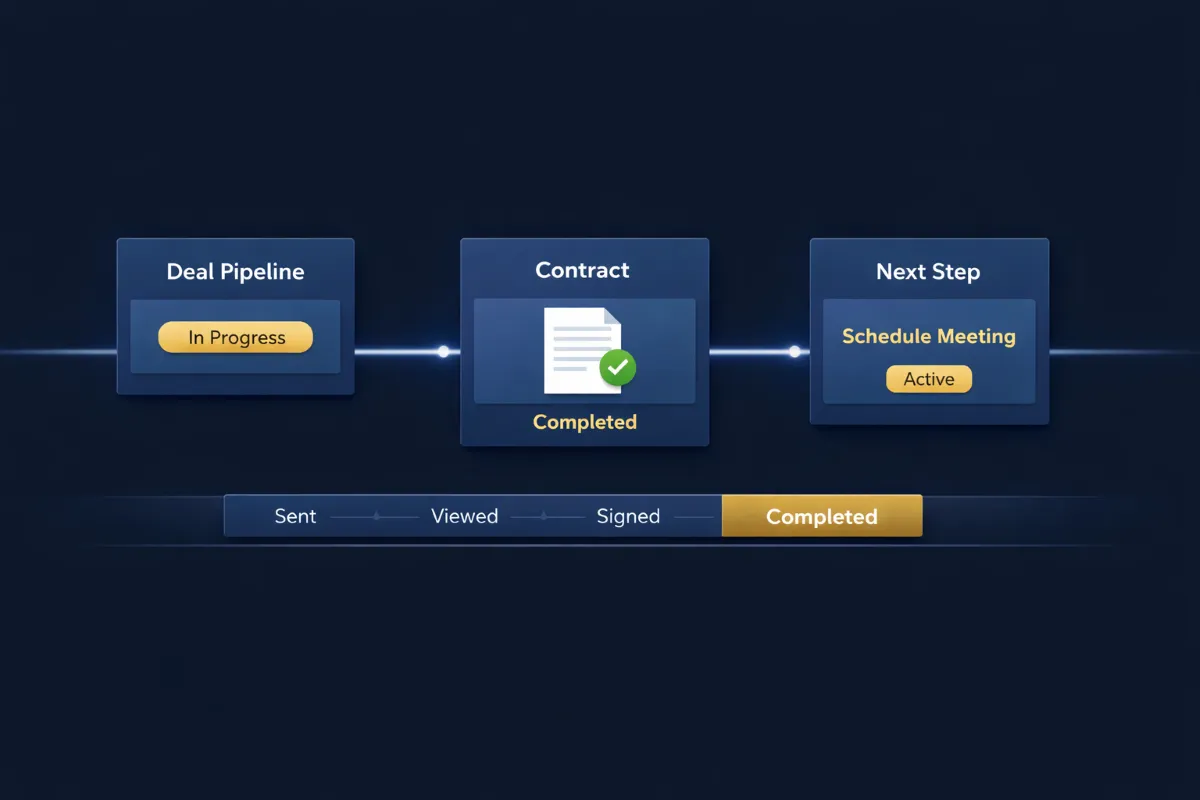
The system tracks the document’s status at every stage. You can see whether a contract is:
Sent
Viewed
Pending signature
Completed
Automatic reminders can be sent if the document has not been signed. This removes the need to manually follow up or check inbox threads for updates.
How Contracts Connect to the Rest of the Platform
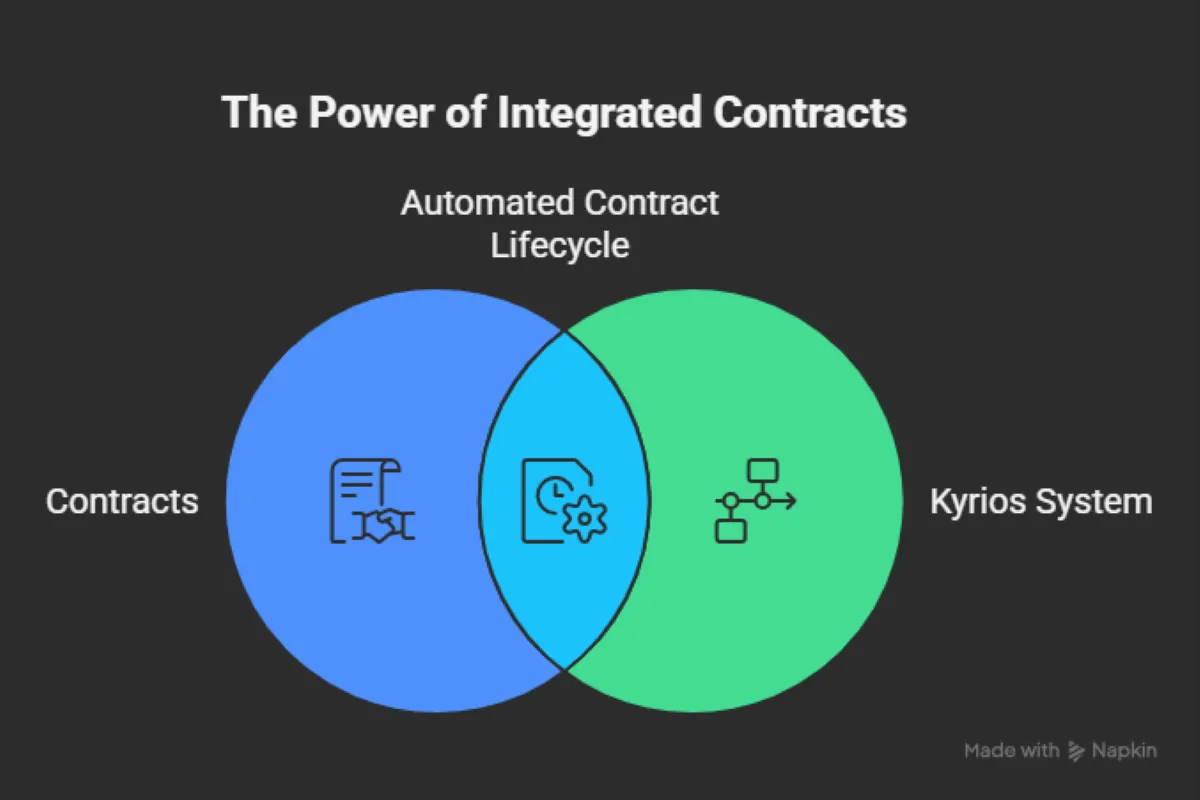
The most important difference is that contracts aren’t by themselves. They connect directly to the rest of the Kyrios system. Documents can be triggered automatically by workflows.
For example: When a deal reaches “Proposal Sent,” the correct contract template can be generated automatically. Once the document is signed, the system can move the business forward.
A signed agreement can trigger:
Pipeline stage updates
Onboarding task assignments
Welcome emails
Invoice creation
Internal notifications
Instead of being a separate administrative task, the contract becomes a step in the customer lifecycle.
Tracking, follow-up, and coordination stop living in someone’s head.
What Changes Once Contracts Are Connected to the System
When agreements live inside the system instead of inbox threads and folders, the workflow changes:
You stop searching for documents
You stop wondering if the client signed
You stop asking the team for updates
Everyone can see the status of the agreement directly inside the customer record
The deal, the contract, and the next steps all move together
Tracking, follow-up, and coordination stop living in someone’s head.
Agreements That Drive the Business Forward
Contracts are often treated like administrative paperwork. But in reality they mark critical moments in the customer journey.
A signed agreement means the deal is real. Onboarding can begin. Work can start.
Kyrios keeps those agreements connected to the same system that manages your contacts, deals, workflows, and payments so contracts don’t slow the process down.
(205) 736-8422
1236 Blue Ridge Blvd,
Hoover, AL 35226




Copyright Kyrios Systems 2026 - All Rights Reserved | Privacy Policy | Terms and Conditions
(205) 736-8422
1236 Blue Ridge Blvd,
Hoover, AL 35226

Company


Copyright Kyrios Systems 2026 - All Rights Reserved | Privacy Policy | Terms and Conditions
1236 Blue Ridge Blvd, Hoover, AL 35226
Download the Kyrios app now